Online MUN has moved from a pandemic emergency measure to a permanent fixture of the global MUN landscape. Conferences in 2026 range from fully in-person to fully virtual to hybrid models where some delegates attend in-room and others join remotely. Each format presents distinct challenges for chairs and delegates. This guide covers how to make online committee sessions work.
Why Online MUN Is Genuinely Harder#
Running a committee remotely is not simply a physical committee moved to video call. The mechanics are different in ways that catch many chairs off guard:
- You cannot see the room. In person, a chair sees sixty faces and knows instantly if energy has dropped or if two delegates are negotiating. On video, you see twenty thumbnails and miss most non-verbal information.
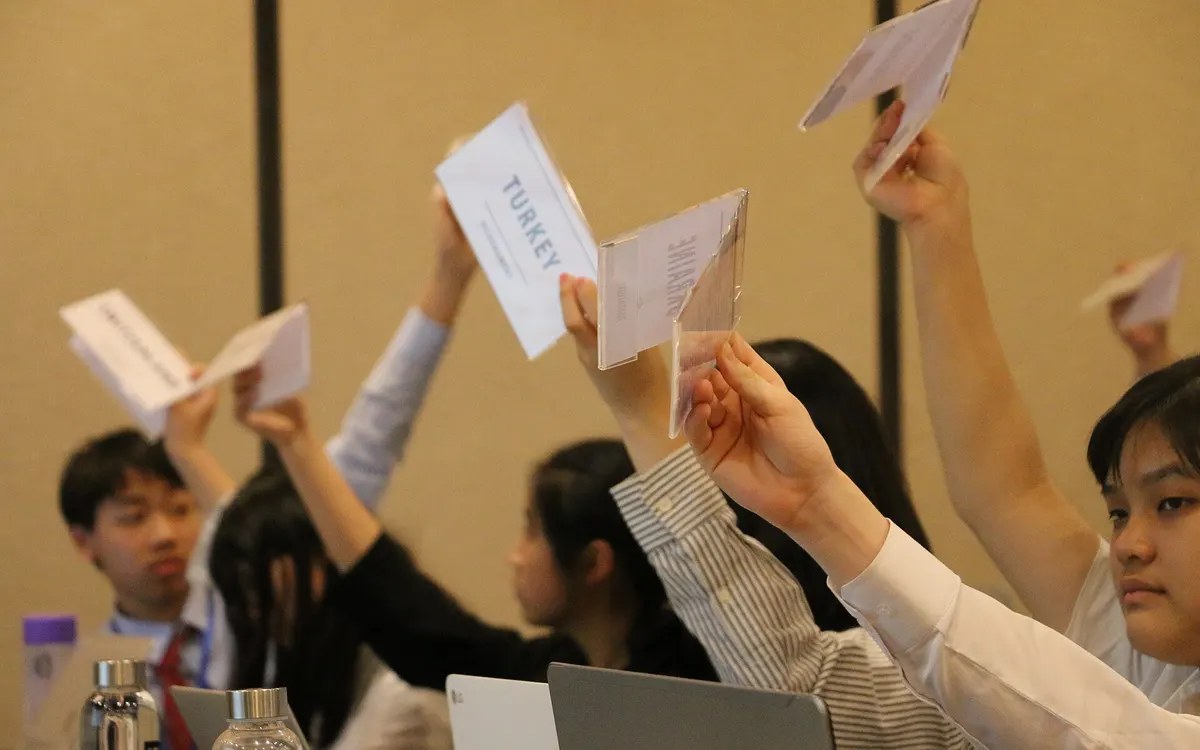
- Placard raises do not work. You need a replacement mechanism for delegates to signal they want to speak.
- Unmoderated caucuses are awkward. Breaking 60 people into negotiating groups on video call requires breakout room management that most chairs are not prepared for.
- Technical issues consume committee time. Audio drops, connection problems, and screen share failures collectively steal significant minutes from every session.
Essential Setup for Online Chairs#
Our MUN technology guide covers the wider tool choice.
- A reliable committee management platform. Gavelling works equally well for online committees: delegates join via their phone or laptop, add themselves to the speakers list digitally, and see the timer in real time. This replaces placard raises entirely.
- A stable video conferencing platform. Zoom is standard at most online conferences. Microsoft Teams and Google Meet are alternatives. Have a backup plan for your backup plan, because these platforms still fail.
- A dedicated co-chair to manage tech. One chair runs debate; the other manages the waiting room, mutes unmuted delegates, manages breakout rooms, and handles technical support tickets. Never try to do both alone.
- A clear "raise hand" protocol. Use Zoom's raise hand feature or a reaction emoji as the replacement for placard raises. Announce the protocol at the start of every session.
Managing the GSL Online#
Opening the speakers list online works best through a committee management platform rather than a video chat chat box. Delegates request to speak through Gavelling, which queues them in order. The chair does not need to monitor a scrolling chat feed and can focus on the delegate currently speaking.
Online Moderated Caucuses#
Online moderated caucuses work almost identically to in-person: the chair unmutes the speaker, starts the timer, and calls the next delegate when time expires. The main difference: explicitly mute speakers when their time expires rather than relying on them to stop talking. Online environments make over-running more common because there is no physical gavel cue.
Online Unmoderated Caucuses#
This is where online MUN most struggles. The natural coalition-building of an in-person unmod (walking up to someone, having a two-minute conversation) does not translate to a 60-person Zoom call. Our unmoderated caucus guide covers the in-person version. Approaches that work online:
- Pre-assigned breakout rooms. Create rooms labelled by bloc name or working paper number before the session. During the unmod, send delegates to their relevant room and circulate between rooms as a chair.
- Use the main room for cross-bloc negotiation. Let smaller blocs use the main room while larger groups go to breakout rooms.
- Shorter unmods. Thirty-minute unmods that work in person often need to be broken into two fifteen-minute periods online to maintain energy.
Keeping Delegates Engaged#
Attention drops faster online than in person. Counter this with:
- More frequent caucuses. Alternate formal debate and caucus periods more often than you would in person.
- Call on delegates by name, not just country. This keeps people alert, since anyone might be next.
- Use the chat. Drop document links, ask for real-time reactions, have co-chairs answer questions in the chat while you chair.
- Shorter sessions with breaks. Four-hour online committee sessions are brutal. Two hours, break, two hours is far more productive.
Hybrid Committees#
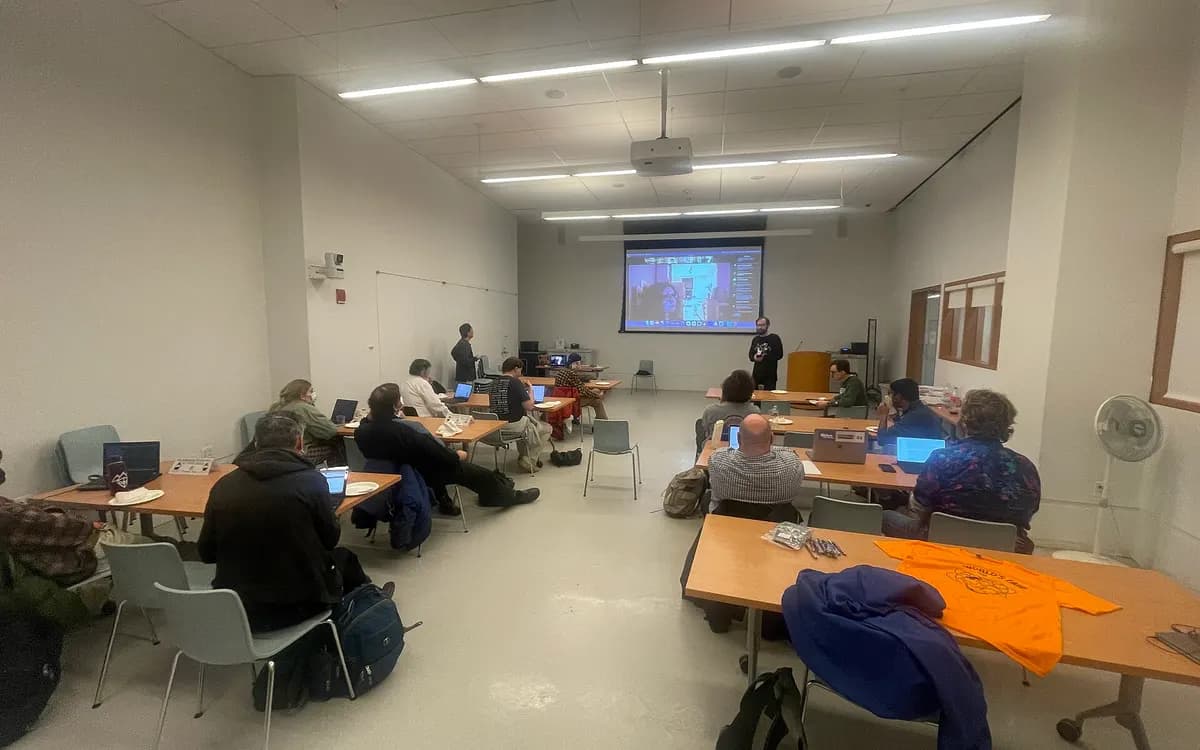
Hybrid committees, where some delegates are in-room and others are remote, are the hardest format to run well. The in-room delegates have natural advantages (easier to get the chair's attention, more energy, better audio). Compensate by actively calling on remote delegates during debate and giving them explicit priority during caucus slot allocation.